Why I Tell Realtors to Update Google (Even When They’re Busy)
If you’re a realtor or local business owner, Google is usually the first place people look you up.
Before they visit your website.
Before they follow you on Instagram.
Before they ever reach out.
And yet, Google Business is one of the most ignored marketing tools I see.
Not because people don’t care.
But because they think it takes too much time.
The good news? It doesn’t.
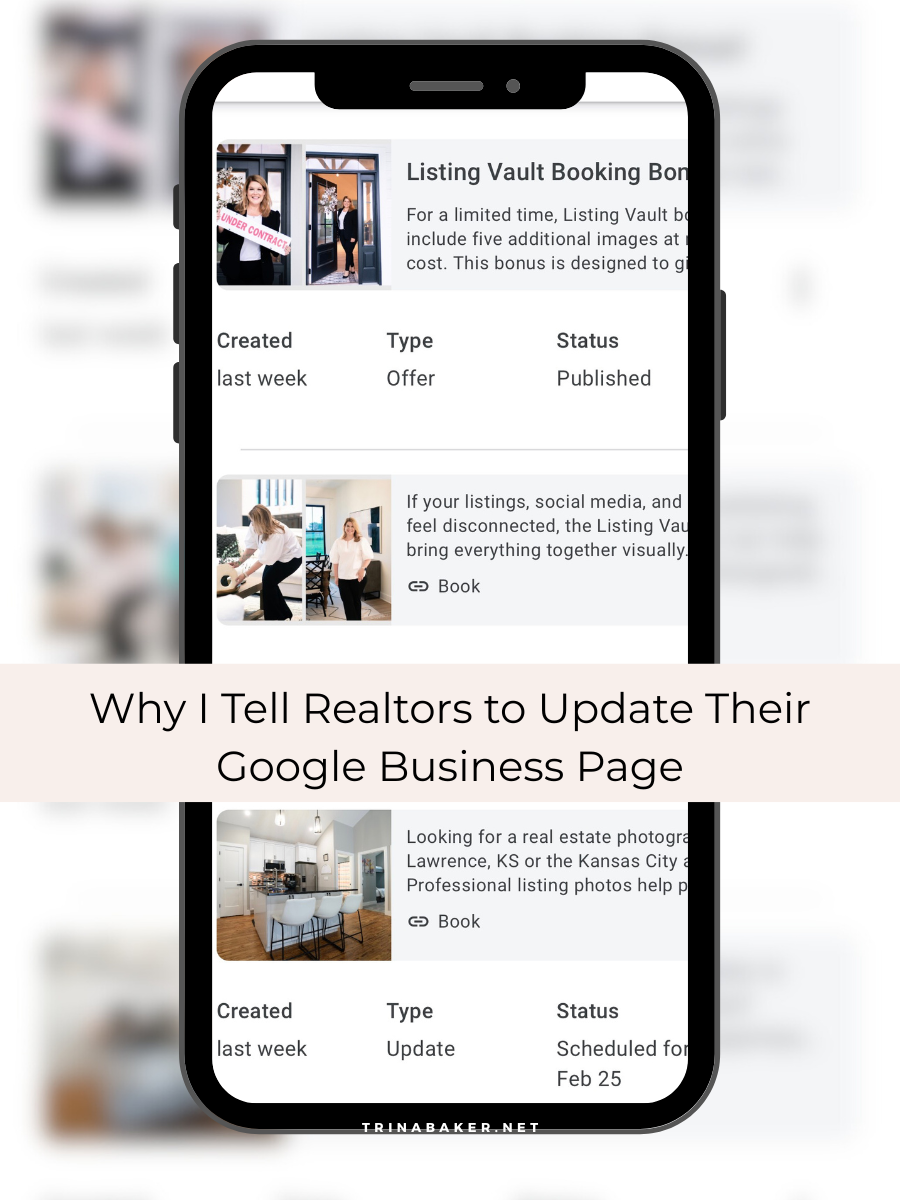
Google wants to see that you’re active
When you update your Google Business profile, you’re telling Google, “Hey, I’m still here. I’m still working. I’m still relevant.”
Those updates help support your local visibility in places like Lawrence and Kansas City. They also help buyers and sellers feel more confident choosing you.
Even small updates matter.
Utilizing daily posts within your Google Business Profile (GBP) is a great way to increase your listing’s overall visibility, while
also helping to drive more qualified organic leads to your website.
What to post on Google Business
You don’t need to overthink this.
Simple works best:
New listing photos
Recently sold properties
A quick market update
Behind-the-scenes photos
A reminder of what you do and who you help
If you’re already posting on Instagram, you can reuse that content on Google Business. No need to reinvent anything.
The scheduling feature is a game changer
Google now lets you schedule posts ahead of time.
This means you can:
Batch a few posts once a month
Stay consistent without logging in every week
Keep your profile active even during busy seasons
I always recommend setting aside 15 minutes, scheduling a few posts, and then letting Google do its thing.
Less stress. More consistency.
Why photos make this work better
Posts with photos get more attention. Period.
This is where professional branding photos and listing images really shine. They give you visuals that look polished and trustworthy without extra effort.
When your Google profile looks active and professional, it supports everything else you’re doing online.
Want to see this in action?
I recorded a short video showing exactly how to schedule Google Business posts step by step.
It takes less than a minute and makes batching posts much easier.
👉 Watch the short here:
The bottom line
Updating your Google Business profile isn’t about chasing algorithms.
It’s about staying visible, building trust, and making it easier for local clients to choose you.
If you’re already investing in great photos, using them on Google is one of the simplest ways to get more value from them.
And if you need photos that actually work across Google, listings, and social media, that’s exactly what my branding sessions and Listing Vault are designed for.